How to check your SkillsFuture Credit Balance
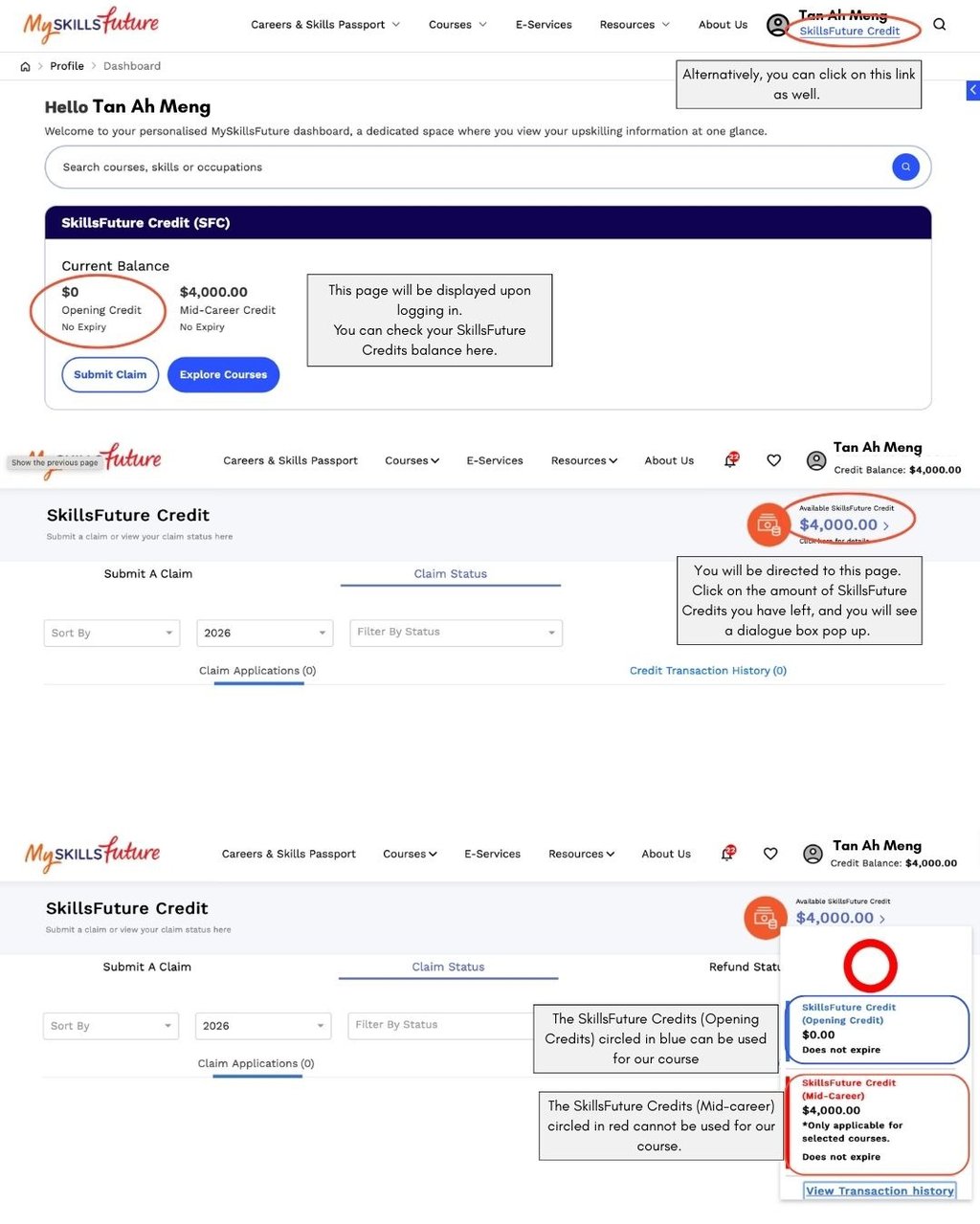
To check your SkillsFuture Credits balance, log in to the SkillsFuture website using your SingPass.
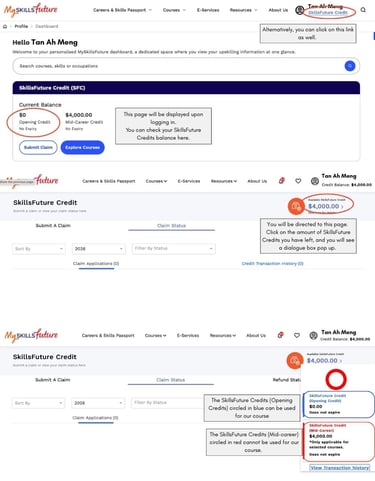
Upon logging in, you should be able to see the breakdown of your SkillsFuture Credits balance displayed right under the search bar.
Alternatively. you can click on the "SkillsFuture Credit link" at the top right corner then click on the amount of credits you have left. A dialogue box will pop up, and you will be able to see the breakdown of the SkillsFuture Credits you have left.
Please note that you will only be able to use the SkillsFuture Credits (Opening Credits) for our courses.
FLEURISTE
hello@fleuriste.sg
+65 90685320
OUR WSQ CLASSES
ABOUT US
CONTACT US
One Commonwealth Lane, #02-30
Click here for directions to our studio.